Purpose
This function is used to model the impact of manual preheating. It is applied in zones where, due to the mould geometry, the oven air flow is deficient (very low convective coefficient). The goal is to promote polymer adhesion in these specific points by preheating them before the mould enters the oven.
 Access: Click the Preheating Areas icon in the main toolbar or navigate to Data -> Mould Data -> Preheating areas.
1. Thermal Logic
The temperature defined in this window is set as the specific initial temperature for the selected zones at the exact start of the Heating Stage. This overrides the general initial mould temperature for these delimited surfaces, simulating that the mould enters the oven already hot at those specific points.
2. Geometry Identification and Assignment
As explained in previous sections, the target area must be a delimited surface within the model for the software to apply these properties.
- Native CAD: Ideally, the CAD file should already have these surfaces delimited and identified before importing, ensuring they are easily selectable with the exact shape of the preheated zone.
- SIMOULDING Tool: If the surfaces are not delimited in the original file, the user must use the SIMOULDING geometry tool to partition the mould faces into identifiable zones.
To assign the data: Define a name (e.g., "Critical_Area_Preheat"), enter the Preheated temperature, click Assign, and select the delimited surfaces in the 3D model.
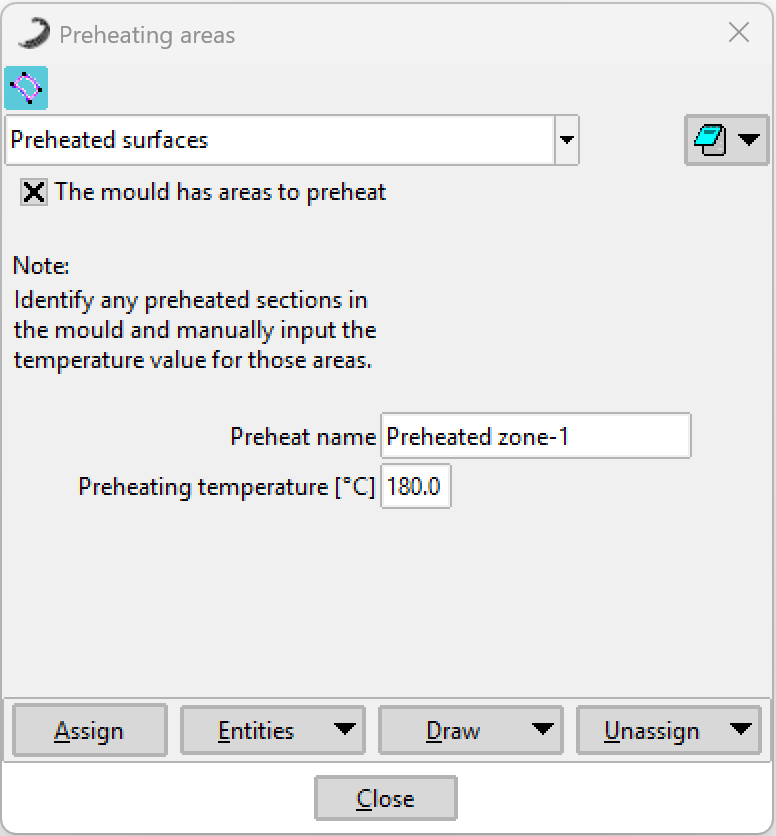 Figure 1: Preheating Areas configuration window.
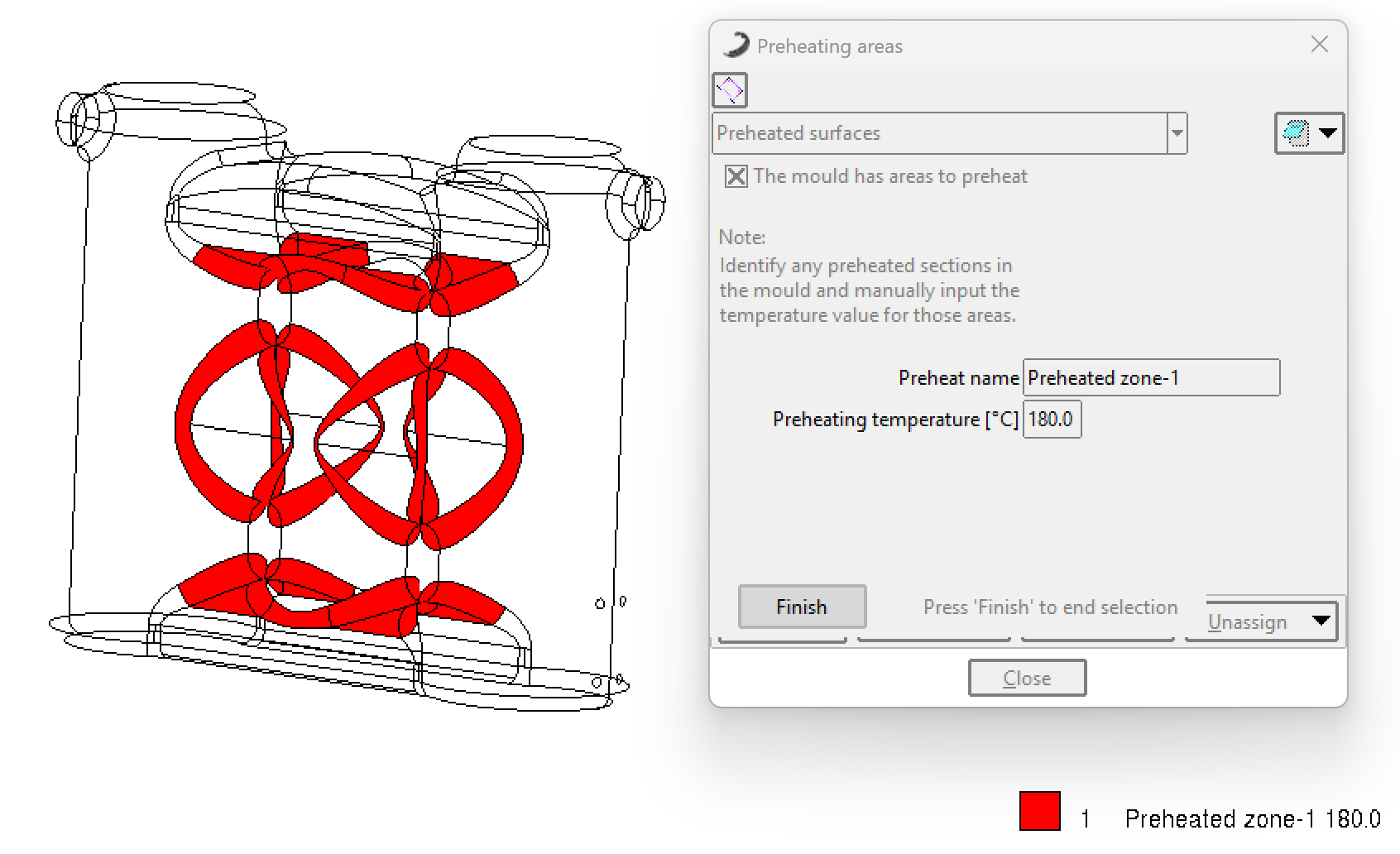 Figure 2: Example of assigning delimited surfaces for manual preheating.