Technological Foundation
The SIMOULDING Graphical User Interface is developed as an advanced customization of GiD, a universal pre and post-processor for numerical simulations. This provides users with professional-grade tools for geometric modeling, mesh generation, and data visualization.
Work Environments
The interface is divided into two main environments to manage the simulation lifecycle efficiently:
1. Pre-processing Mode
This is the setup environment where the simulation is prepared. Key tasks include:
- Importing and cleaning the 3D geometry.
- Assigning polymer properties and part features.
- Configuring machine kinematics and thermal cycles.
- Generating the Finite Element Mesh.
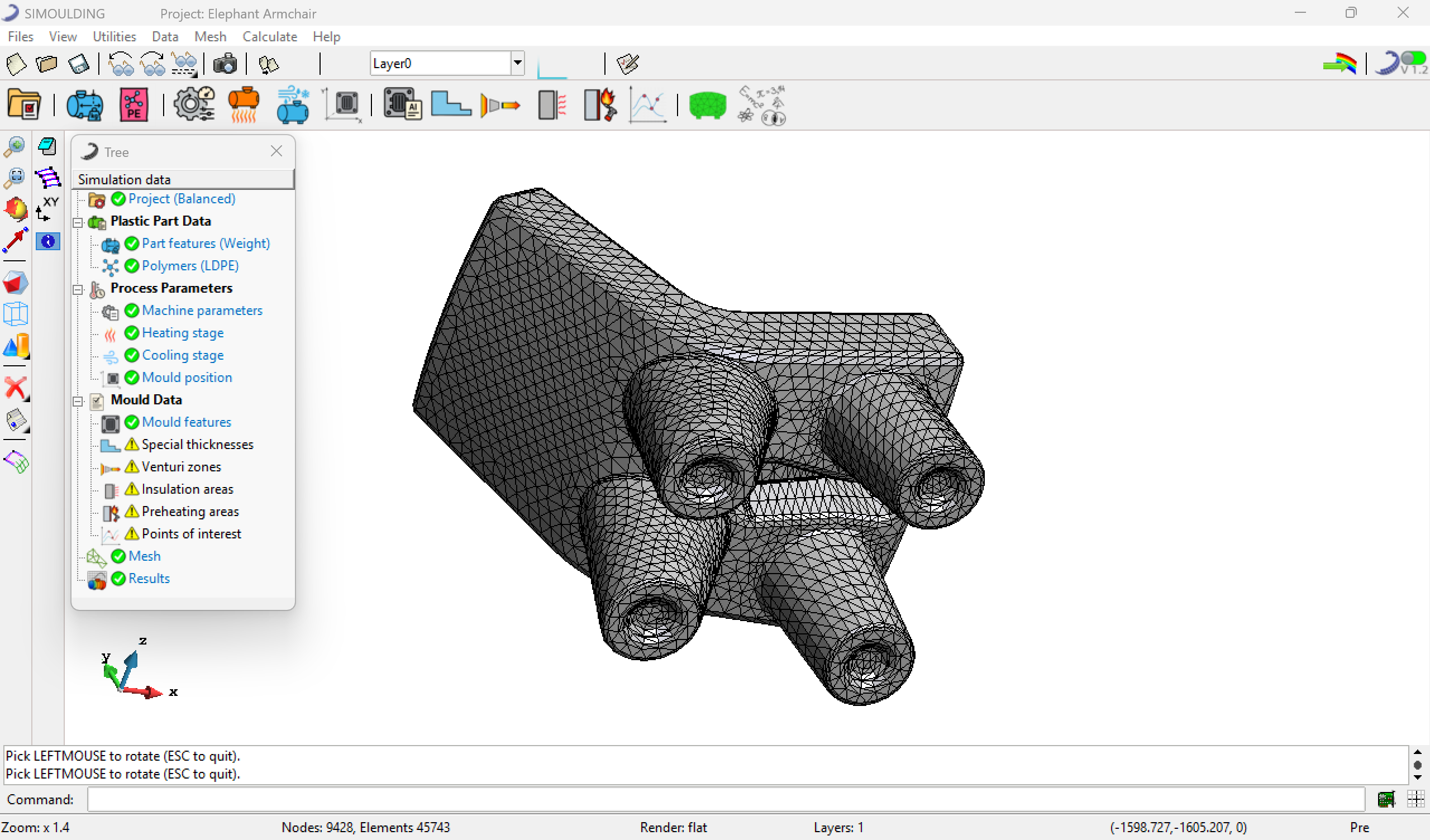 Figure 1: Pre-processing environment for simulation setup.
2. Post-processing Mode
Once the solver completes the calculation, this environment is used for analysis:
- Visualizing thickness distribution and temperature maps.
- Analyze the process evolution at Monitoring points.
- Generating XY graphs for temporal process variables.
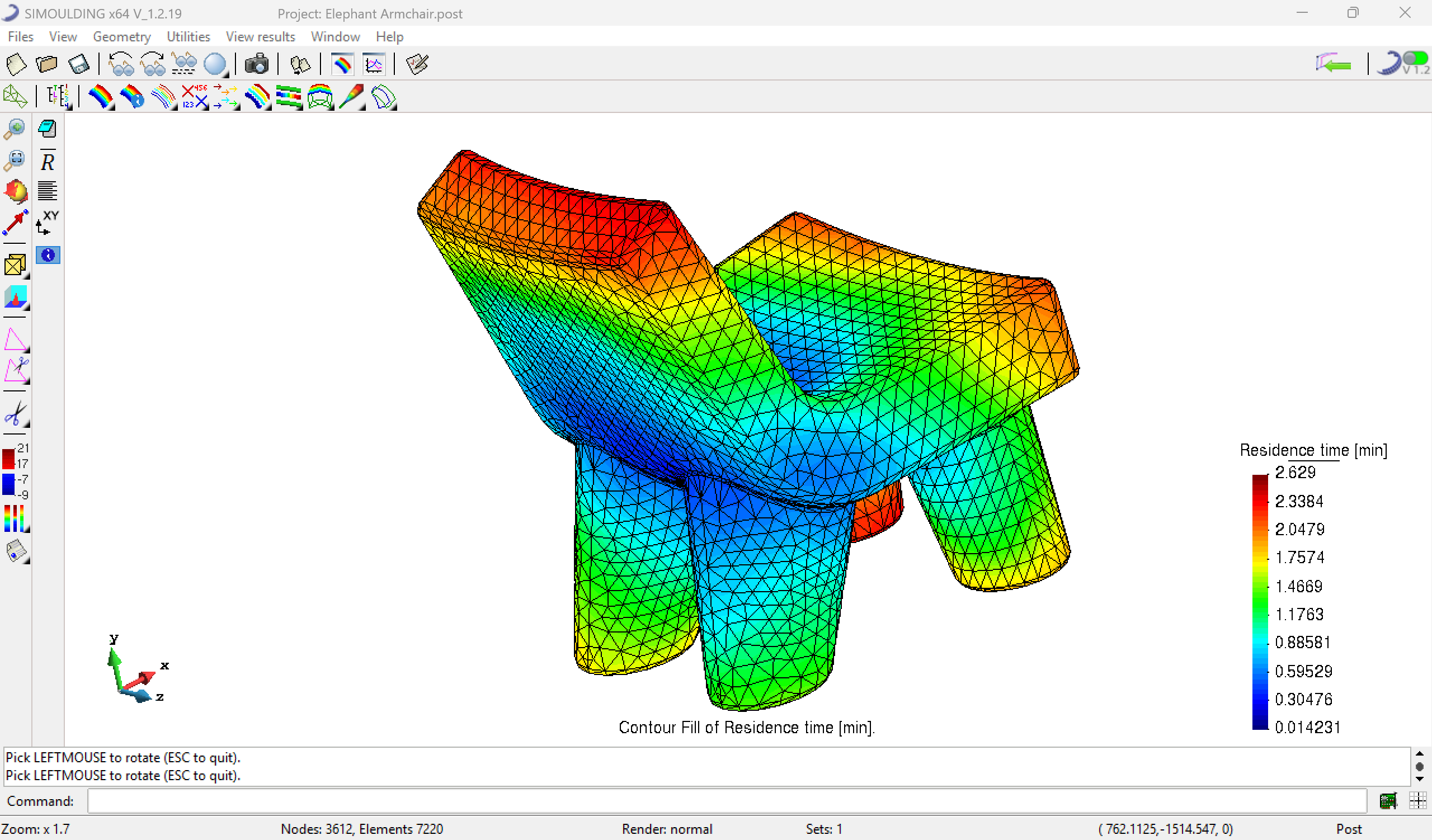 Figure 2: Post-processing environment for results analysis.
The Workflow Toolbar
To ensure a logical data entry process, SIMOULDING features a main toolbar designed to guide the user from left to right through the necessary steps.
Guidance System: Instead of navigating complex menus, users can simply follow the sequence of icons in the toolbar. This "Step-by-Step" approach ensures that no critical parameter is overlooked before starting the simulation.
 Figure 3: Main Workflow Toolbar – Following the icons from left to right completes the setup.